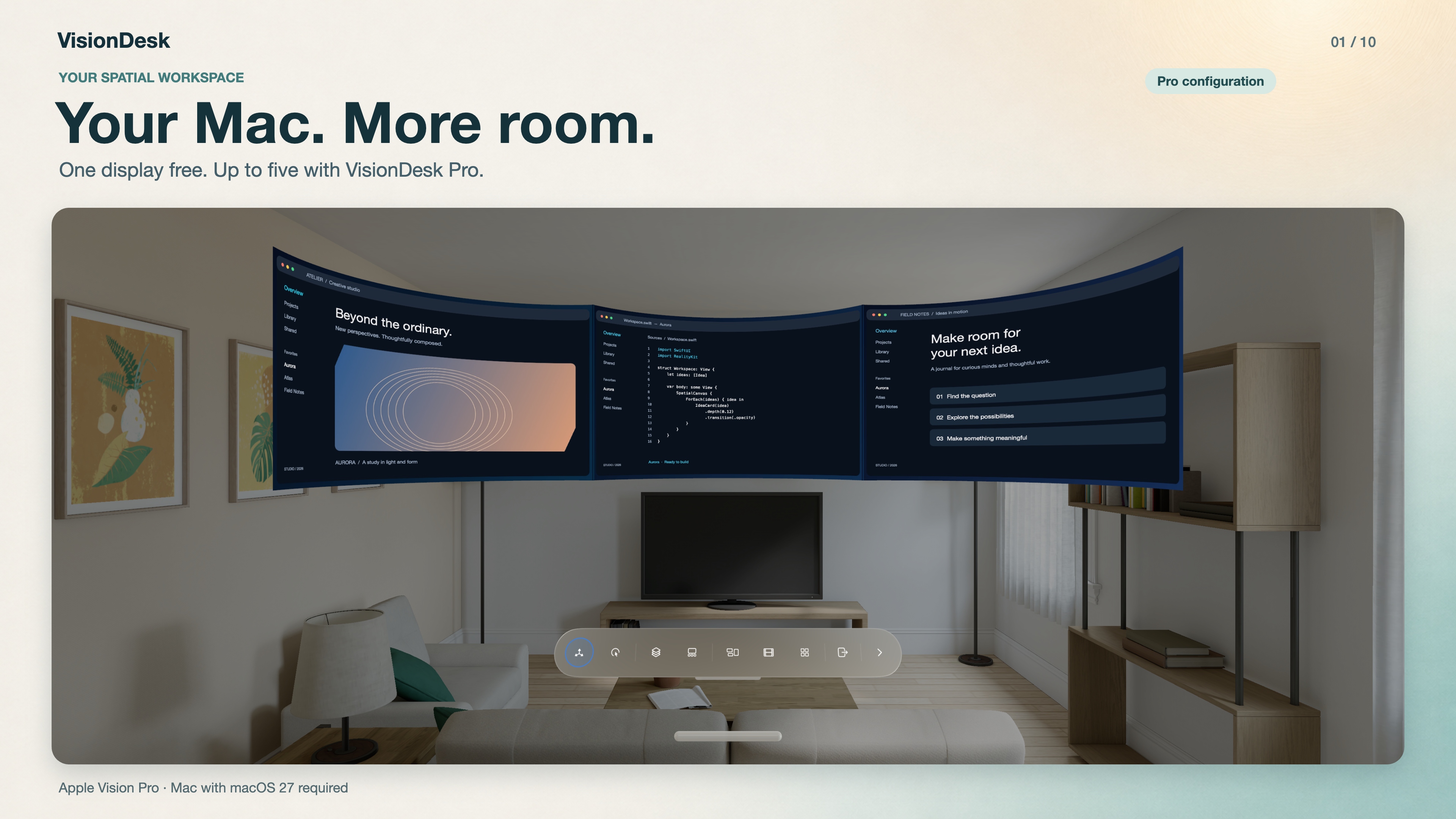
Your Mac. More room.
A spatial Mac workspace on Apple Vision Pro. Start with one complete display for free; Pro makes room for two to five.
3.2.0 · Available now
Beside Apps and content zoom expand your Mac workspace. A shared Dock, clearer settings and focused improvements when changing displays make everyday controls easier to follow.
VisionDesk 3.2.0 is available for Mac and Apple Vision Pro. Install the matching apps to use Beside Apps, content zoom and the shared Dock.
Apple Vision Pro with visionOS 27 and an Apple silicon Mac with macOS 27, on the same private network. Install matching app versions.
One display stays free. Pro adds two to five displays, Saved Workspaces and Precision Layout. The Mac companion stays free.
A spatial Mac workspace on Apple Vision Pro. Start with one complete display for free; Pro makes room for two to five.
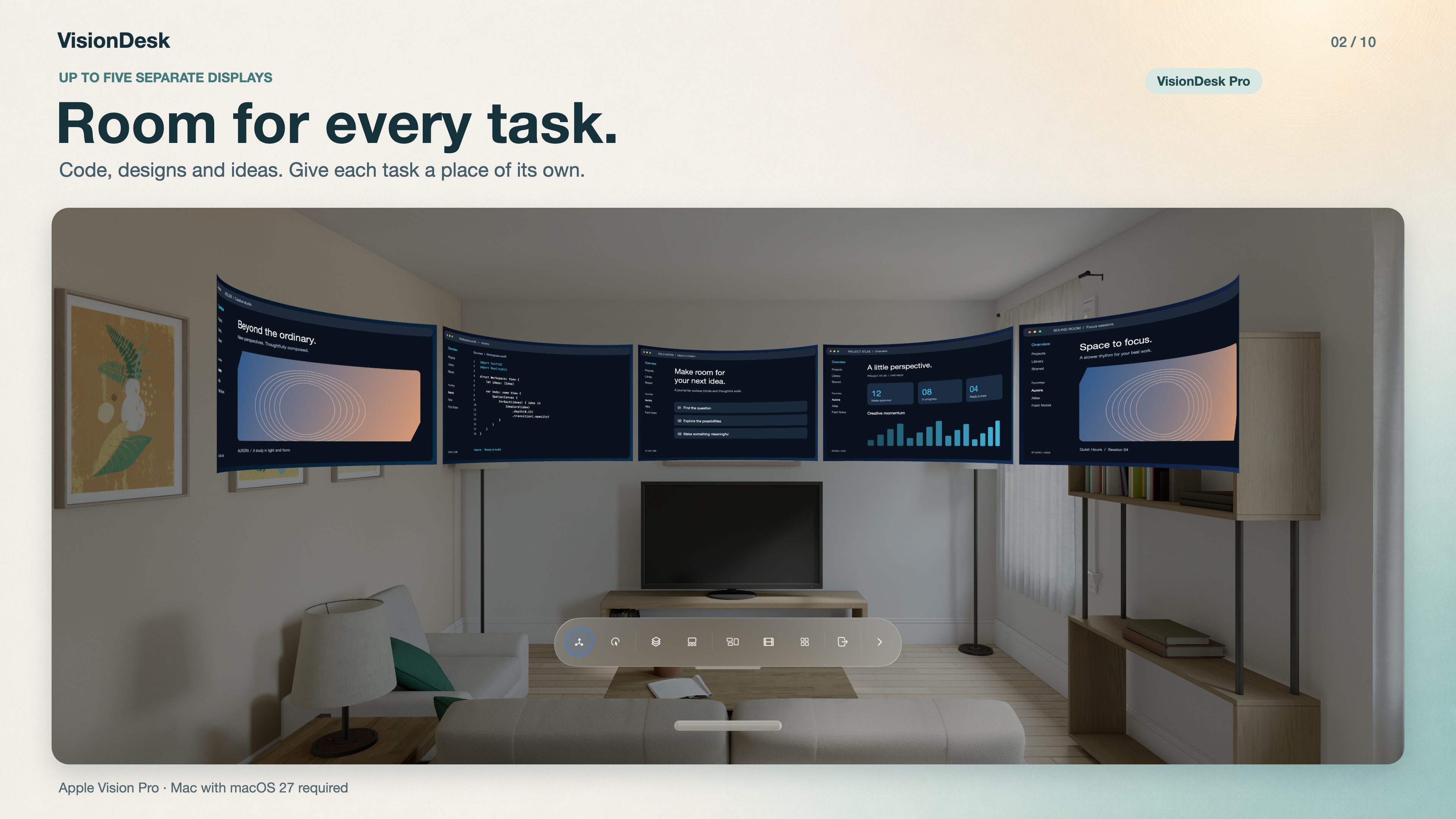
Keep your code, documents and reference material on separate Mac displays. Up to five screens with Pro.
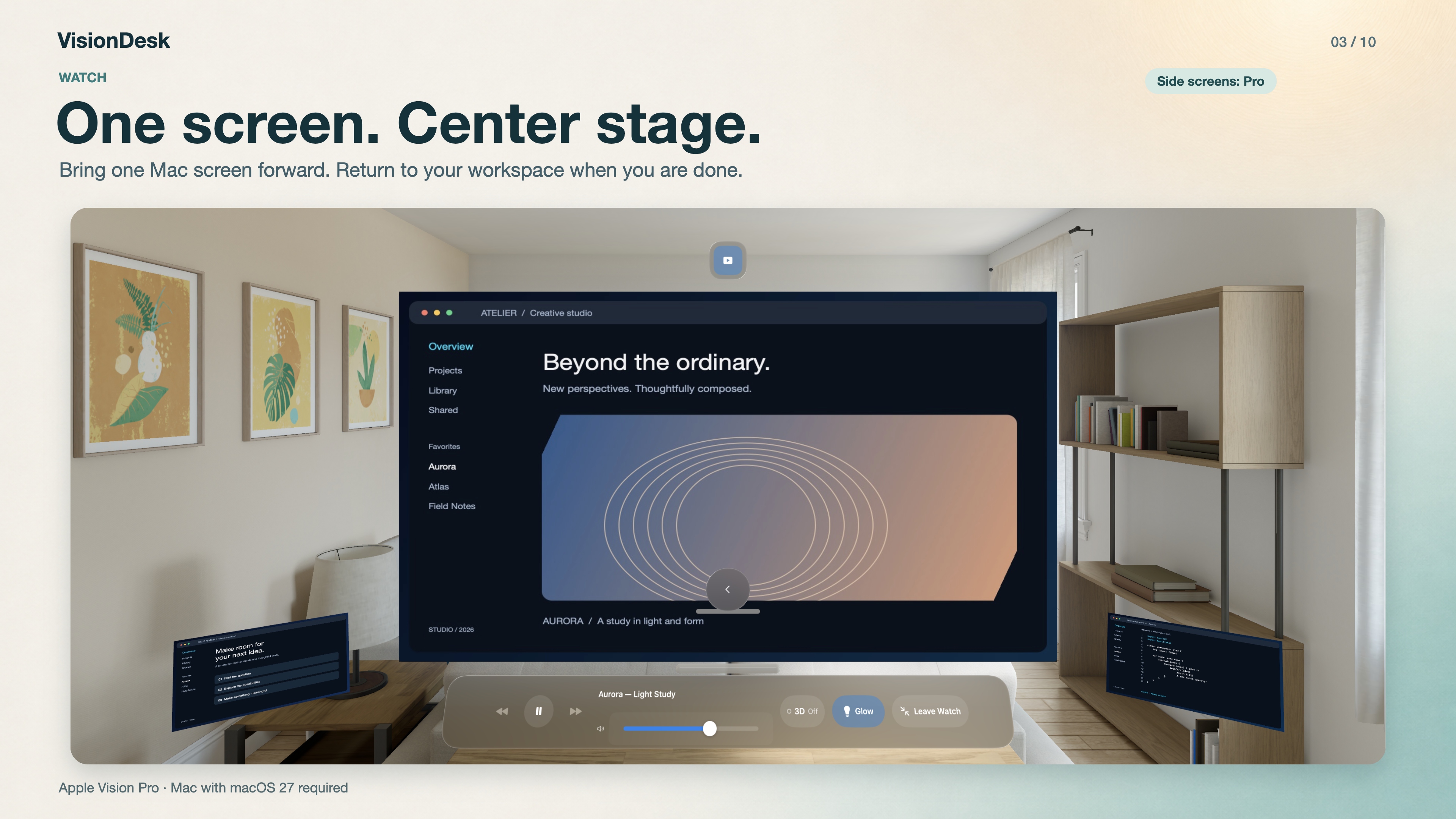
Watch brings one Mac screen forward into your immersive workspace. Adjust the canvas and return to your previous arrangement afterward.
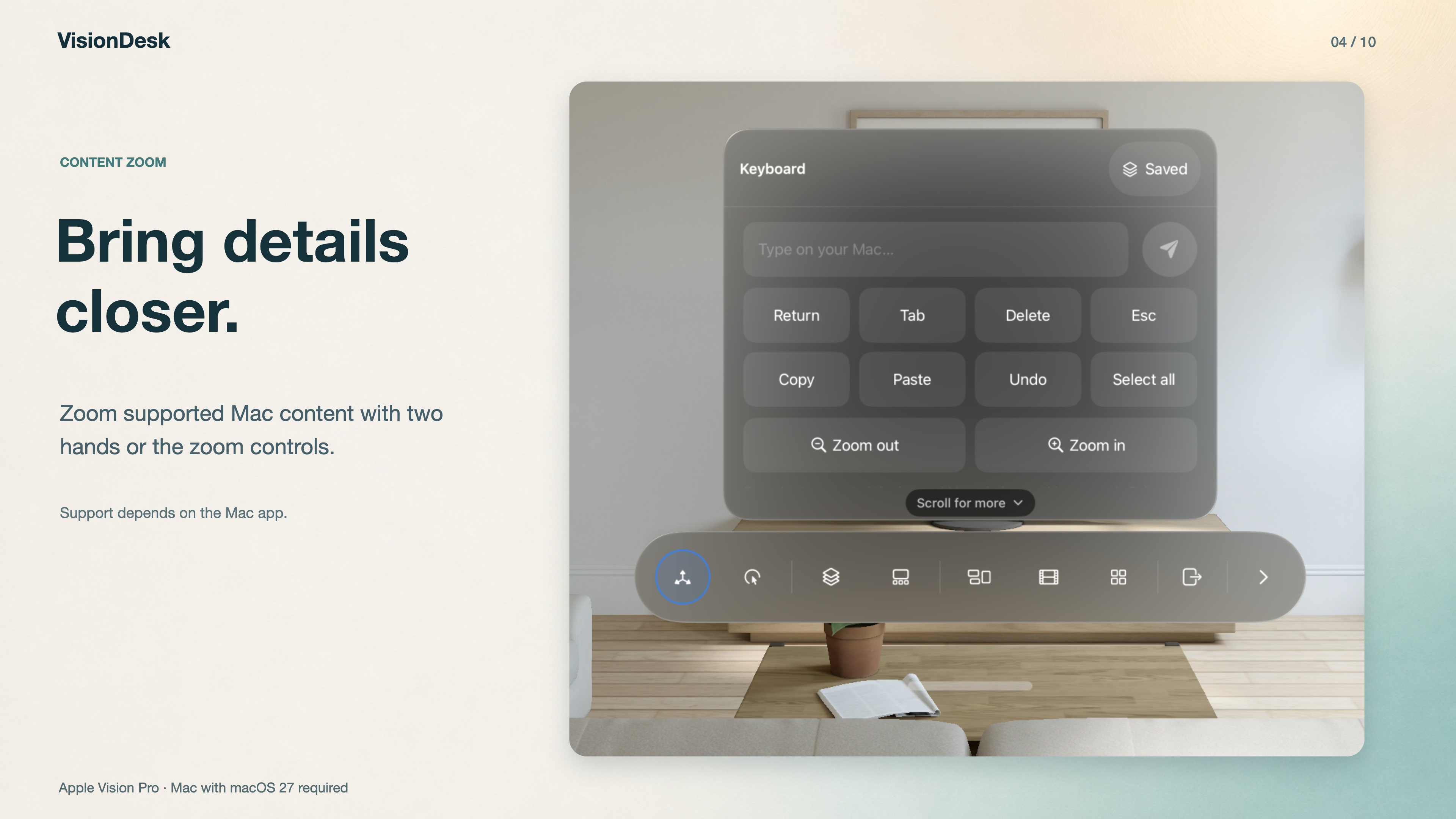
Zoom Mac content in Pointer mode with a two-hand gesture or the Zoom controls. Support depends on the Mac app and its Zoom menu; select the intended window first.
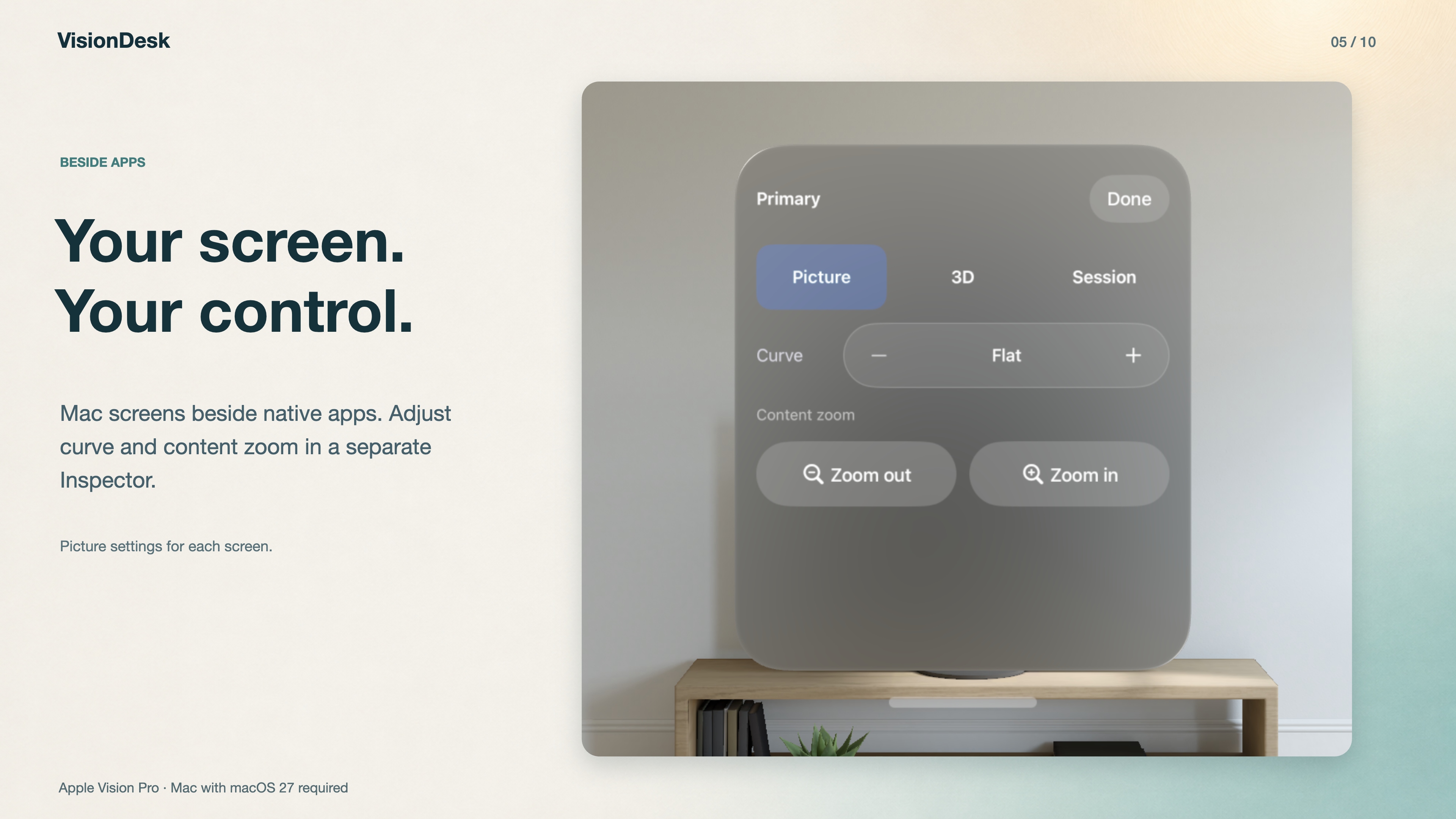
Beside Apps places each Mac screen in its own spatial window. Use the shared Dock and separate inspector for input, picture and session controls.
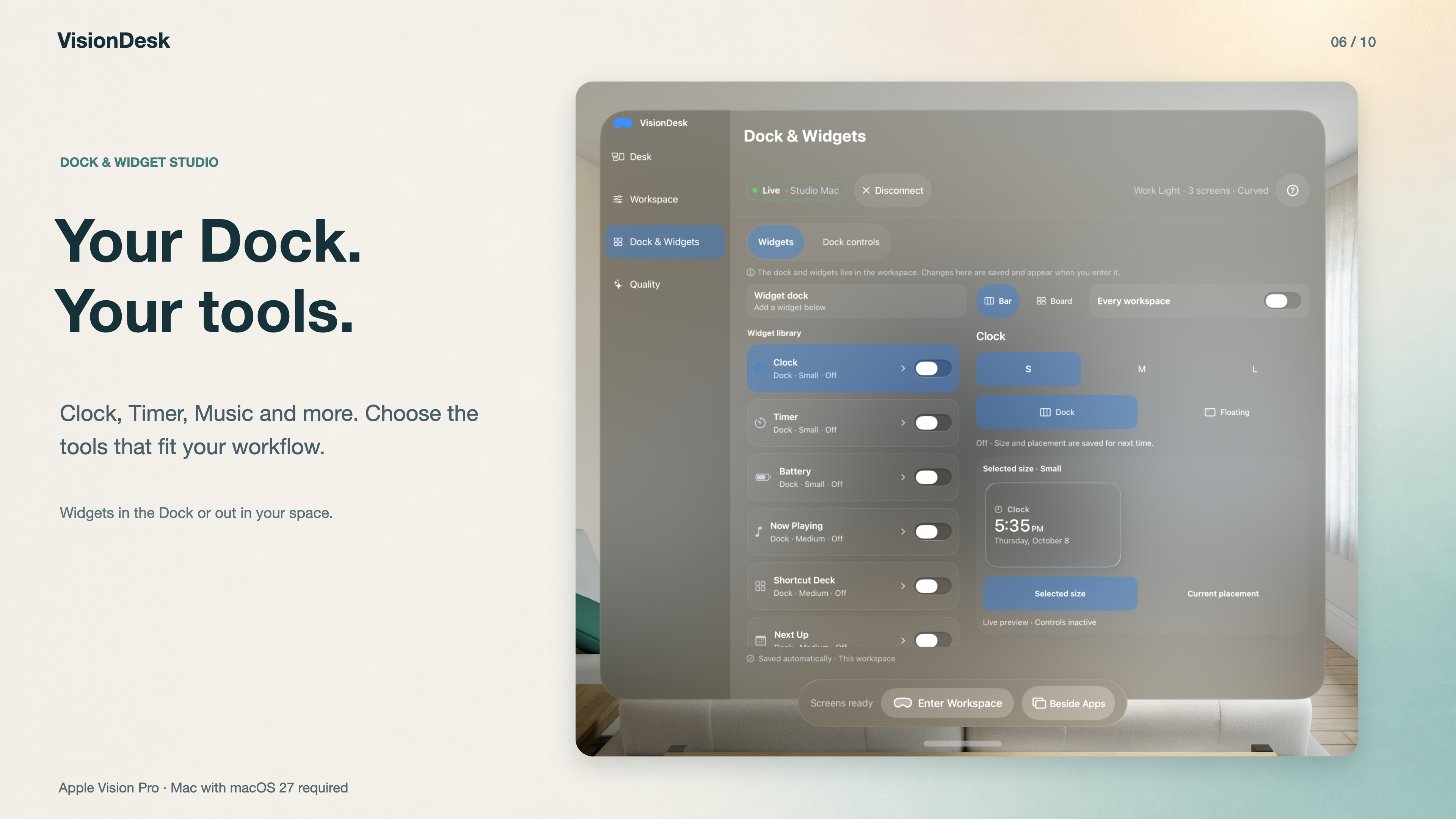
Choose your immersive Dock controls and organize widgets in Studio. Keep everyday actions close without filling your workspace.
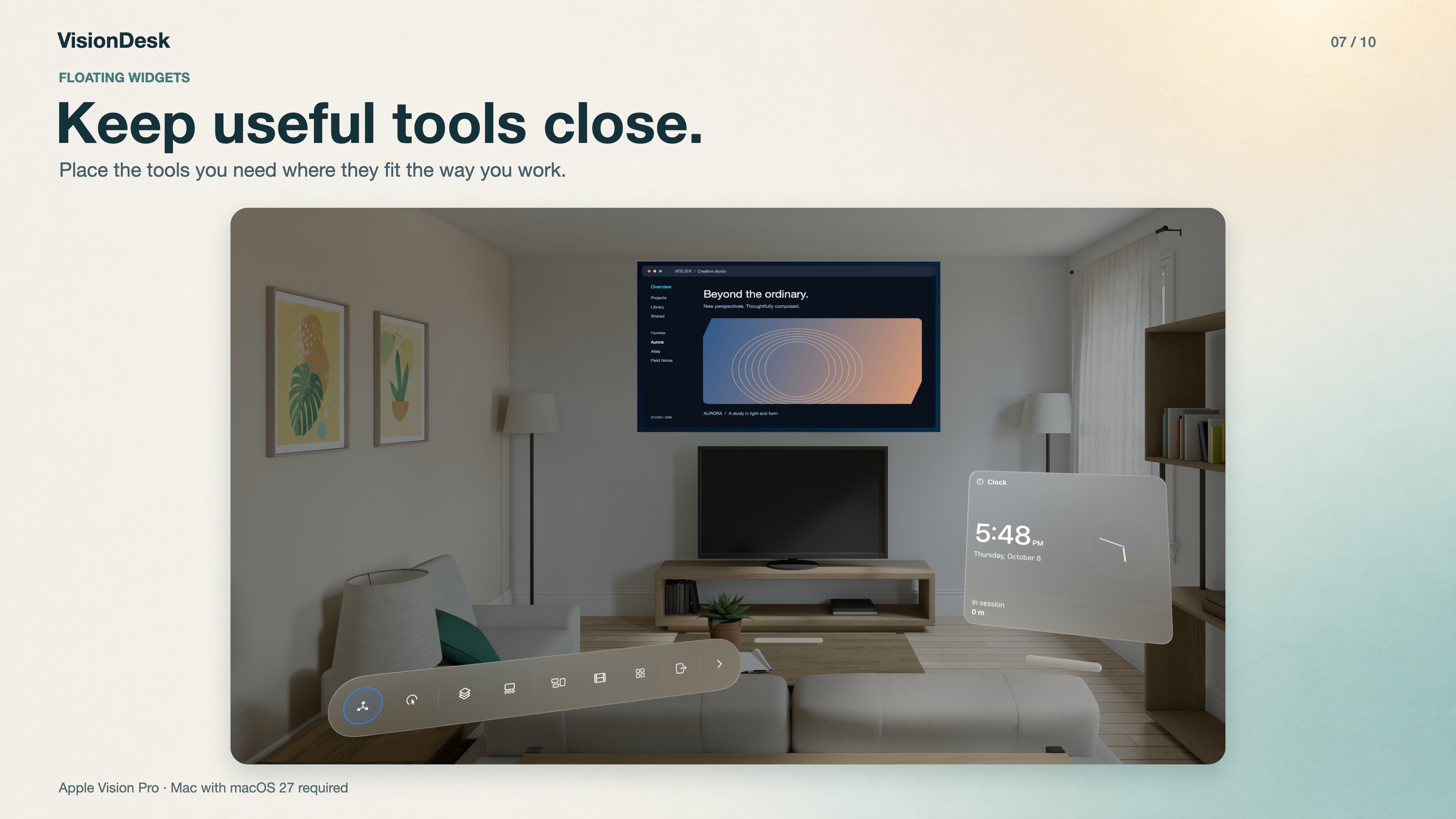
Place supported widgets around your immersive workspace, or keep them together in a Bar or Board.
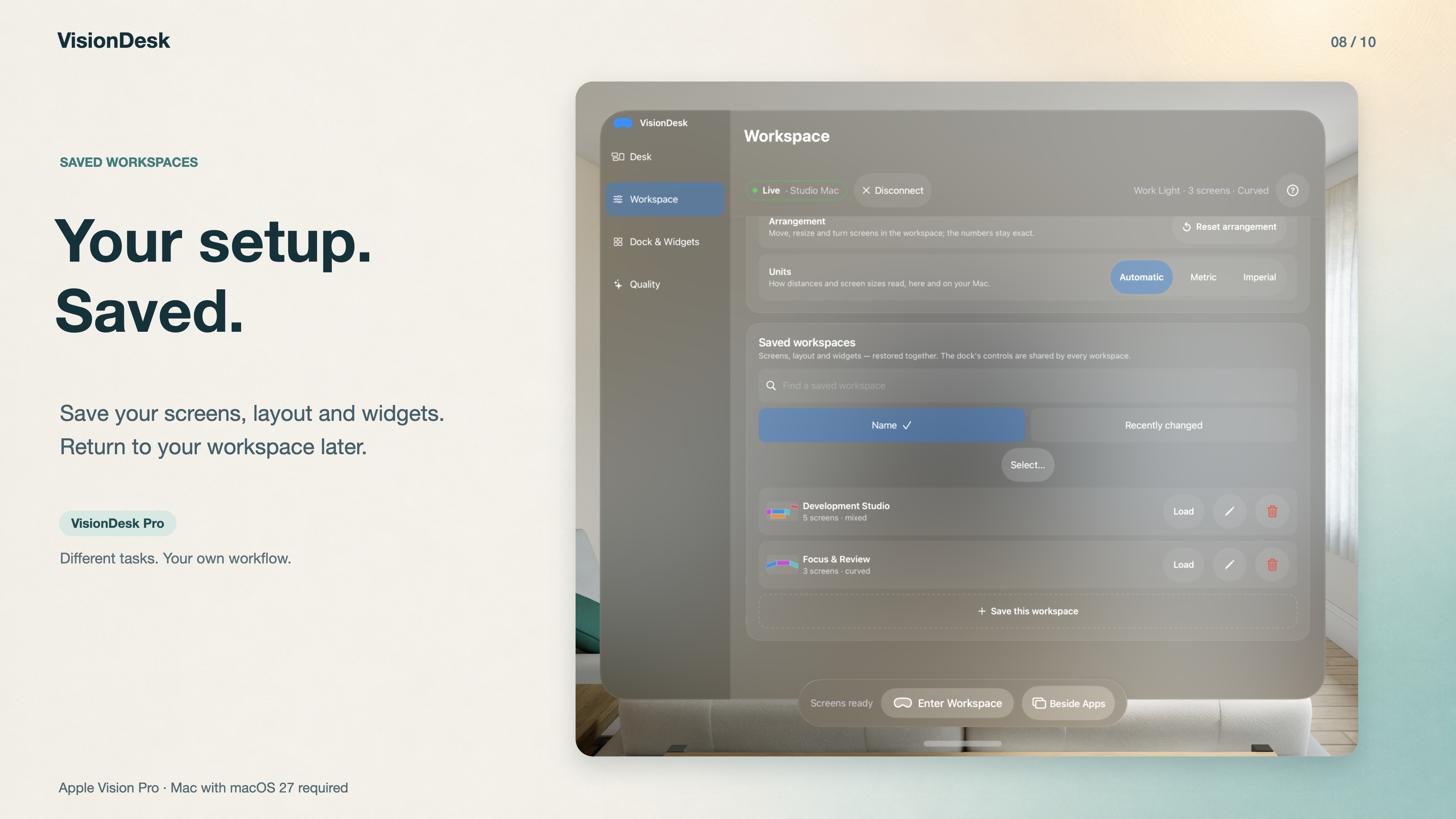
Save and load your preferred arrangements with Pro. Workspace files stay local, with import, export and exchange between your paired devices.
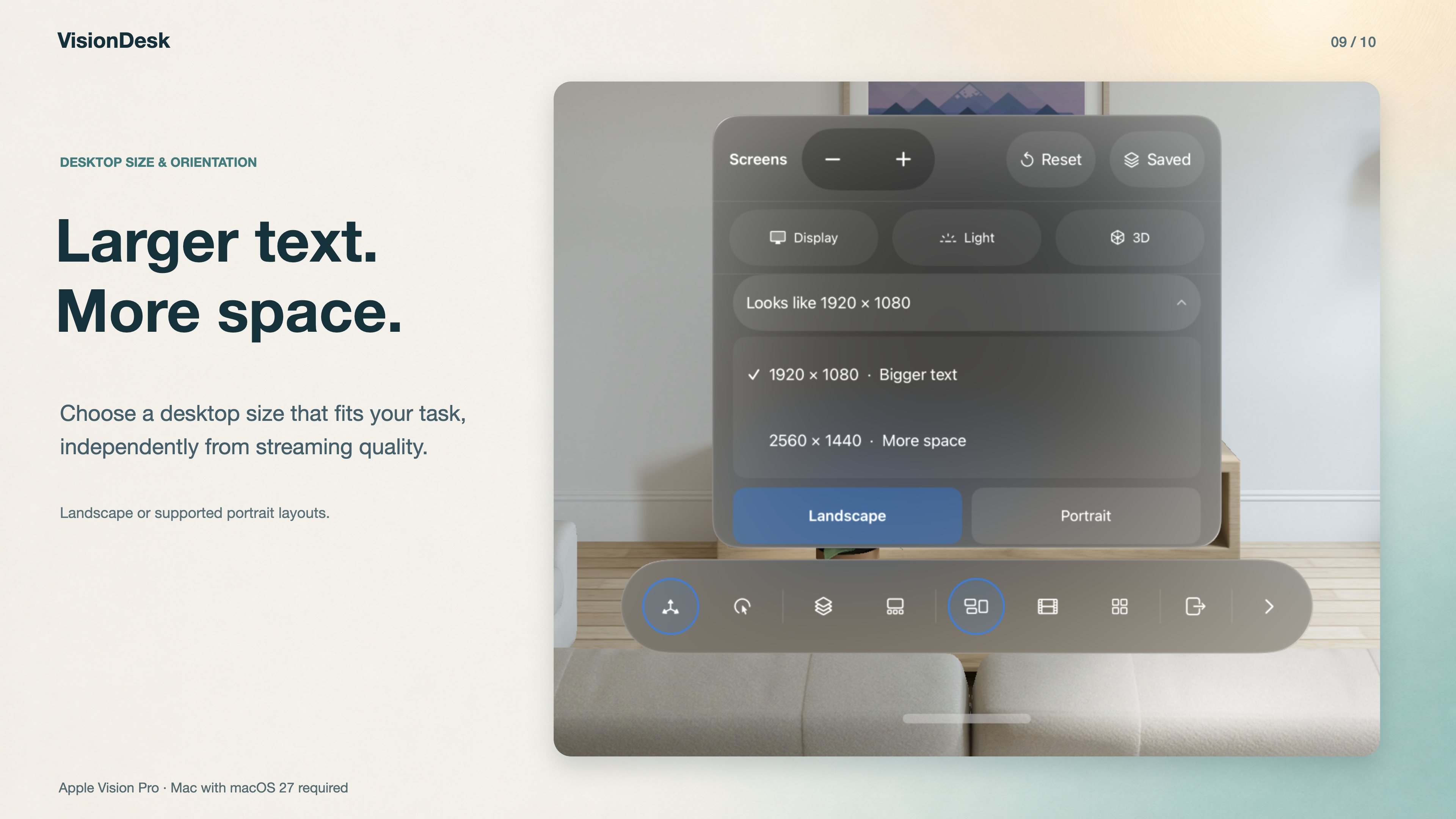
Choose logical desktop size and orientation separately from streaming quality. Clarity, frame rate and supported modes depend on your Mac and connection.
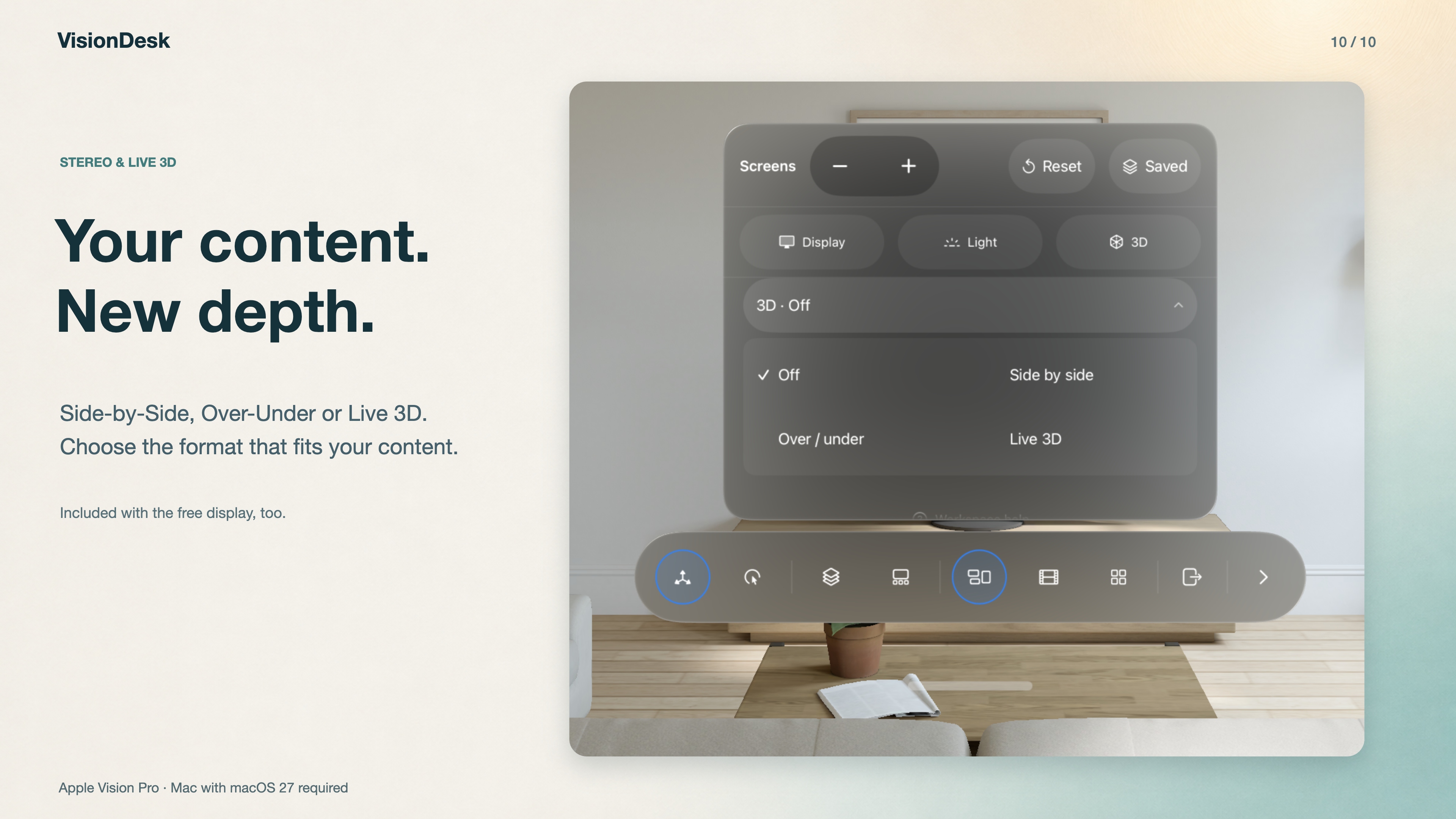
Choose Side-by-Side, Over-Under or Live 3D. Live 3D estimates depth; this image shows the controls, not a photographed stereo effect.
Marketing images combine real Simulator app captures with English headlines. The app interface is English. The room is the Simulator environment, not an environment included with VisionDesk.